 connects with Bank Alfalah (Alfa)
Approve more payments on your Bank Alfalah (Alfa) gateway
Talk to our team
Tell us about your business
Leave your details and a real person will follow up with next steps. No pitch deck, just straight answers.
Bank Alfalah (Alfa) + PaymentKit
What you can do with Bank Alfalah (Alfa)
Bank Alfalah (Alfa) is your gateway: it moves the transaction. PaymentKit is the layer above it.
Bank Alfalah (Alfa) processes the payment
It moves the transaction and runs eligible charges through your merchant accounts.
PaymentKit runs the layer above
Subscription billing, routing, and failed-payment recovery across every Bank Alfalah (Alfa) account.
Your accounts stay yours
Keep your Bank Alfalah (Alfa) account and your banking relationships.
One view of everything
Approvals, recovery, and revenue across your whole setup in one dashboard.
Payment path: Checkout, then PaymentKit, then Bank Alfalah (Alfa) account, then Acquiring bank.
- Connection type
- Payment gateway
- Payment methods
- Cards and the methods your account supports
- Transaction types
- Charges, refunds, and subscription renewals
- Merchant accounts
- Multiple accounts, each connected as its own route
- Markets and currencies
- Follows your Bank Alfalah (Alfa) account setup
- Account requirements
- Active Bank Alfalah (Alfa) account with API access, approved for recurring billing
How it works
Connect Bank Alfalah (Alfa) in three steps
From your existing Bank Alfalah (Alfa) account to live payments, with a full test run before any customer is charged.
Step 1: Check your account
Confirm you have an active Bank Alfalah (Alfa) account with API access, and that it is approved for recurring billing.
Step 2: Connect Bank Alfalah (Alfa)
Add your Bank Alfalah (Alfa) API credentials in PaymentKit under Processors. Each account connects as its own route, so you can add more than one.
Step 3: Verify your workflow
Run a test charge, a refund, and a subscription renewal in test mode before sending live customer payments.
AI dunning
Recover failed Bank Alfalah (Alfa) renewals
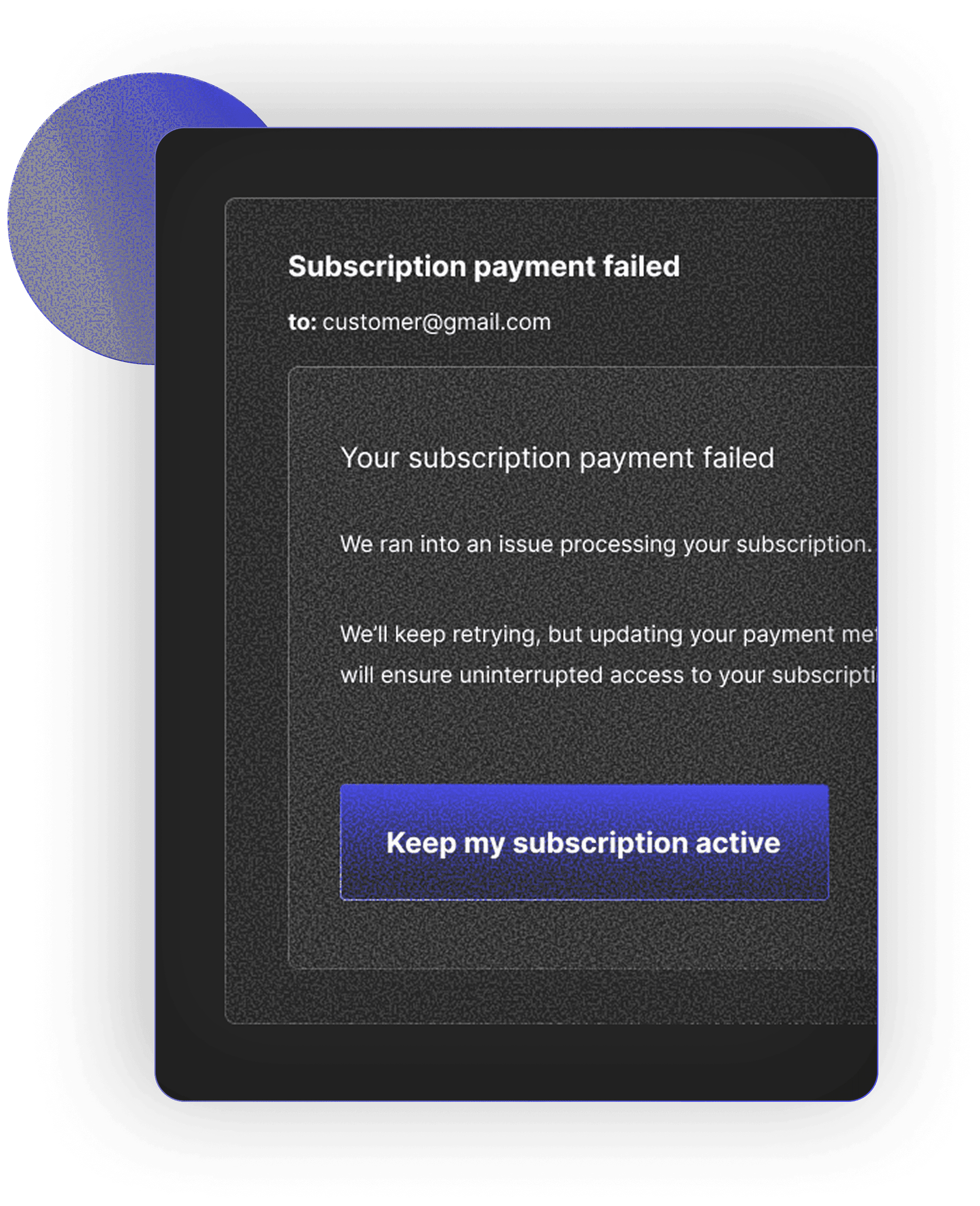
When a renewal fails on Bank Alfalah (Alfa), AI dunning reads the decline code, retries at the best moment, and only emails the customer when it has to.
Retries timed by decline reason
Soft declines get well-timed retries, hard declines skip wasted attempts, and a retry can move to another Bank Alfalah (Alfa) account or processor.
Dunning emails that adapt
Branded sequences change tone and timing based on the type of failure.
Self-serve card updates
Customers fix their card in a secure portal, and the payment retries right away.
Bank Alfalah (Alfa) vs. Bank Alfalah (Alfa) + PaymentKit
Bank Alfalah (Alfa) alone vs. Bank Alfalah (Alfa) with PaymentKit
You keep your Bank Alfalah (Alfa) account and your banking relationships. PaymentKit makes them work harder.
| Bank Alfalah (Alfa) alone | With PaymentKit | |
|---|---|---|
| Checkout | Bank Alfalah (Alfa) aloneOne checkout per Bank Alfalah (Alfa) integration | With PaymentKitOne checkout in front of every Bank Alfalah (Alfa) merchant account and any other processor |
| A soft decline | Bank Alfalah (Alfa) aloneThe sale is usually lost | With PaymentKitCascades to your next merchant account in the same session |
| Stored cards | Bank Alfalah (Alfa) aloneTokens tied to one processor | With PaymentKitVaulted independently and portable across processors |
| Failed renewals | Bank Alfalah (Alfa) aloneRetries on a fixed timer | With PaymentKitAI dunning timed by decline code and billing cycle |
| Processor outage | Bank Alfalah (Alfa) aloneCheckout goes down with it | With PaymentKitTraffic fails over to a healthy route automatically |
| Expired or reissued cards | Bank Alfalah (Alfa) aloneRenewal declines, customer has to act | With PaymentKitNetwork tokens and account updater refresh them |
| Reporting | Bank Alfalah (Alfa) aloneOne dashboard per processor | With PaymentKitApprovals, recovery, and revenue across every route in one view |
Unified checkout
One checkout for every Bank Alfalah (Alfa) account
Customers enter their card once. PaymentKit vaults it and can charge it through any Bank Alfalah (Alfa) merchant account or other processor you connect.
Every Bank Alfalah (Alfa) account behind one checkout
Each Bank Alfalah (Alfa) merchant account connects as its own route, so your checkout never has to change when you add or retire one.
Cards that belong to you
Cards live in PaymentKit's PCI Level 1 vault, so subscribers stay billable across every Bank Alfalah (Alfa) account.
Add other processors anytime
Run Bank Alfalah (Alfa) next to any other supported gateway, all through one API.
Payment orchestration
Route every payment to its best Bank Alfalah (Alfa) account
PaymentKit picks the right Bank Alfalah (Alfa) account for each payment by card, currency, region, and live performance, then cascades soft declines.
Rules you control
Route by card brand, BIN range, currency, country, or ticket size, and set the order accounts are tried.
Cascading on soft declines
A soft decline on one Bank Alfalah (Alfa) account moves the same charge to your next account. The customer never re-enters a card.
Failover when a route goes down
If an account or processor stops responding, traffic moves to a healthy route automatically.
Integration directory
Find an integration
Search every gateway, processor, and payment method PaymentKit connects with, and see what's available today.
Loading integrations…
FAQ